Build and Conquer City Planner
Population and housing worksheets for city level 2 (250) and city level 5 (2,500).
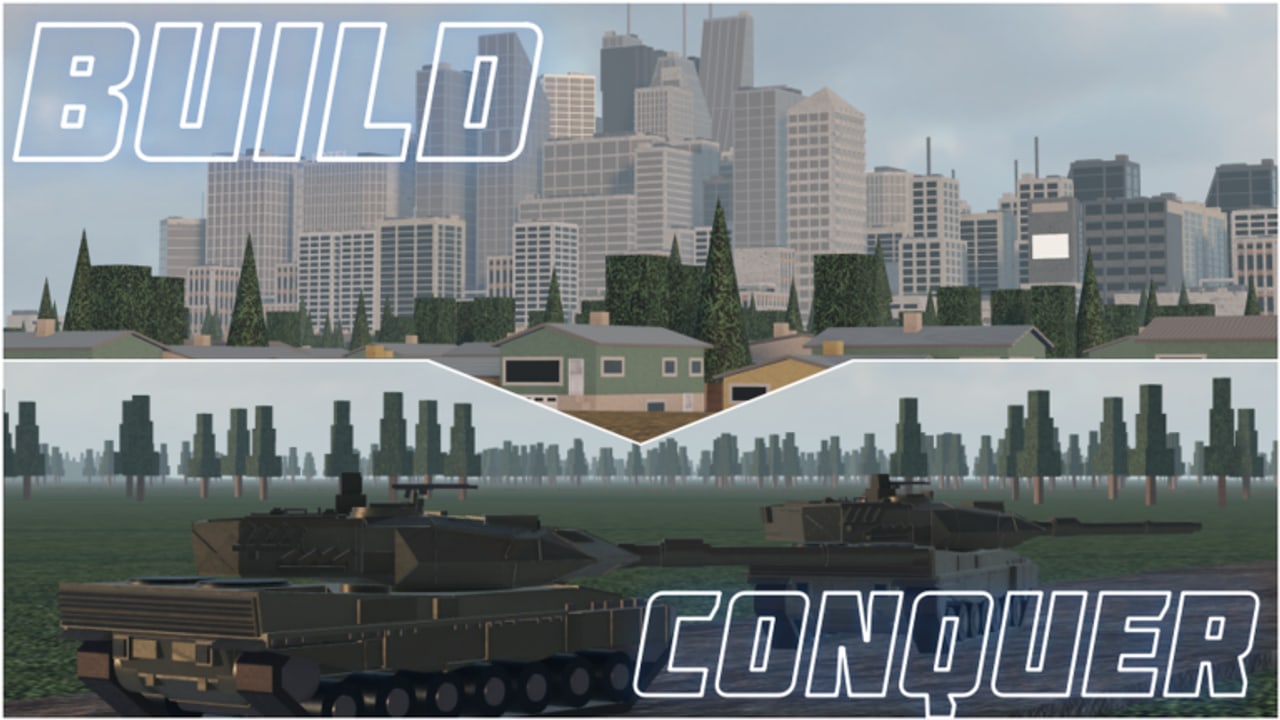
The City Planner is a practical worksheet for Build and Conquer commanders who need predictable population growth. The Slop Company鈥檚 Roblox strategy beta gates power behind city levels: about 250 population for city level 2 and about 2,500 population for city level 5. Miss those numbers and your mainland roster鈥攊nfantry, drones, tanks, HIMARS, missiles鈥攕tarves while rivals contest zones. This page shows how to estimate housing demand, leave room for utilities and industry, and avoid C-tier vanity sprawl. Pair it with Getting Started, the Buildings Tier List, and the Tools Hub.
Live reminder: the client shows V0.2, continuing V0.1 systems that spotlighted level 5 cities, drones, steel export, and the missile rework (Update V0.1). If a hotfix changes residents-per-building, re-measure one structure in-game and scale the formulas below.
Core targets
| Goal | Population | Why it matters |
|---|---|---|
| City level 2 | ~250 | Unlocks serious mid-game identity and funding |
| City level 5 | ~2,500 | Late-plot power for layered AD and missile economy |
Think in gaps, not absolutes. If you already sit at 180 population, you need ~70 more for level 2鈥攏ot a full 250 rebuild.
Step 1 鈥?Measure a housing tile
- Place or select your most common residence.
- Note residents provided at current upgrade level (example: 10 pop per small home, 25 per apartment鈥?replace with your live tooltip*).
- Note tile footprint (1脳1 vs 2脳2).
- Compute population per tile = residents 梅 tiles used.
Dense apartments with high pop/tile are S-tier for planning even before combat tiers matter. Luxury mansions with tiny pop/tile are planner poison.
Step 2 鈥?Compute raw housing need
Formula:
Buildings needed = Population gap 梅 residents per building (round up).
Examples assuming a mid-tier apartment gives 25 population (illustrative):
- To finish level 2 from 0: 250 梅 25 = 10 apartments.
- To finish level 5 from 0: 2,500 梅 25 = 100 apartments.
- From 250 already at level 2 toward level 5: 2,250 梅 25 = 90 apartments.
If your live building only gives 10 pop, those counts jump to 25 / 250 / 225 respectively. Always plug real tooltips.
Step 3 鈥?Add service overhead
Population fails if power and water lag. Reserve 15鈥?5% of your intended residential tiles for utilities, roads, and services before you congratulate yourself on raw math. Example: 100 apartments for level 5 might need ~20 supporting tiles so the city actually stays online. Blackouts after Autobuild spam are why the Scripts Hub tells you to pause Expand and verify utilities.
Step 4 鈥?Budget industry beside housing
A city of 2,500 that cannot mine steel or run shops cannot afford AD when Cluster-range lobbies appear. Split late plot districts:
- 55鈥?5% housing by tile when racing population.
- 15鈥?0% utilities/services.
- 15鈥?5% mines, shops, factories, research.
During the pure 0鈫?50 rush, bias harder toward housing/utilities (even 70%+ residential) then rebalance. The Players Hub roster only works if industry keeps reinforce loops alive.
Worked plan A 鈥?Compact level 2 rush
Assumption: apartment = 20 pop, 1 tile; generator covers 12 houses.
- Need 250 梅 20 = 13 apartments (round up from 12.5).
- Place 2 generators / water nodes first along a central spine.
- Fill 13 apartments adjacent to services.
- Drop 1鈥? shops only after people exist.
- Screenshot population; if soft-capped at 230, add one service or one more house鈥攏ot a statue.
Time box: one focused session. Then open mines so Missile Guide progression is fundable.
Worked plan B 鈥?Level 5 highway
Assumption: upgraded housing = 40 pop; you sit at 400 pop after early game.
- Gap to 2,500 = 2,100.
- 2,100 梅 40 = 52.5 鈫?53 upgraded residences.
- Reserve ~12 tiles utilities, ~12 tiles industry/export, ~6 tiles AD/lab buffers.
- Build in waves of 10 houses 鈫?check power 鈫?upgrade 鈫?next wave.
- Every two housing waves, upgrade mines and confirm steel export reserves (Updates context).
Do not Autorecruit tanks mid-wave; cash belongs in housing until the gate pops鈥攖hen shift spends using the Units & Missiles Tier List.
Tracking sheet (copy into notes)
- Current population: ____
- City level: ____
- Target level / pop: ____ / ____
- Pop per house (live): ____
- Houses still needed: ____
- Utility tiles reserved: ____
- Steel reserve floor: ____
- Next missile unlock / hits: ____ / ____
Update the sheet when V0.2 patches retune buildings. Cadence advice sits on the Updates Hub.
Common planner failures
- Counting buildings instead of population 鈥?fifteen mansions can lose to eight apartments.
- Ignoring soft caps 鈥?services missing, not housing.
- Exporting steel to fund decor 鈥?then failing repairs after SRBM chips.
- Letting Auto Build choose C-tier props 鈥?pause scripts (Auto Farm, How to Execute).
- Forgetting AD buffers 鈥?level 5 city that dies to one MRBM was poorly planned.
Integrating combat goals
Population gates exist so you can afford the roster on Units, Missiles & Drones. A clean plan might say: 鈥淗it 250, unlock SRBM via 5 hits, then house toward 1,000 while GLCM/MRBM come online, then finish 2,500 before Cluster lobbies become normal.鈥?Without the planner, players buy Hypersonic flexes at 300 population and stall forever.
No promo codes currently shortcut housing (Codes). Official place verification remains on the Links Hub.
Quick reference formulas
houses_needed = ceil(pop_gap / pop_per_house)tiles_with_overhead = ceil(houses_needed * 1.2)for a 20% service cushionsessions_needed 鈮?houses_needed / houses_you_place_per_hour
Measure your personal placement rate once; it makes ETA conversations with teammates realistic in eight-player coordination.
Use this City Planner every time your city feels active but levels do not move. Replace guesswork with gap math, protect utilities, fund industry on schedule, and let Build and Conquer鈥檚 mainland fights happen from a city that actually earned level 5.
Frequently Asked Questions
Quick answers to the most common questions.
How much population do I need for city level 2 and 5?
About 250 for city level 2 and about 2,500 for city level 5. Always confirm against your live V0.2 client tooltips.
How do I calculate houses needed?
Subtract current population from the target to get the gap, divide by residents per house from the building tooltip, and round up. Then add utility overhead.
Should I build shops before reaching 250 population?
Only lightly. Prioritize housing and utilities for the level 2 gate, then expand shops and mines to fund industry and AD.
Can Auto Build finish level 5 for me?
It can spam houses, but it often wastes tiles on low-density props and skips services. Pause automation and place to these planner ratios.
What if my population stalls below the math target?
You are likely soft-capped by power, water, or happiness services鈥攁dd utilities before more luxury housing.