Build and Conquer Guides
From empty plot to navy, missiles, and mainland holds — every core tutorial.
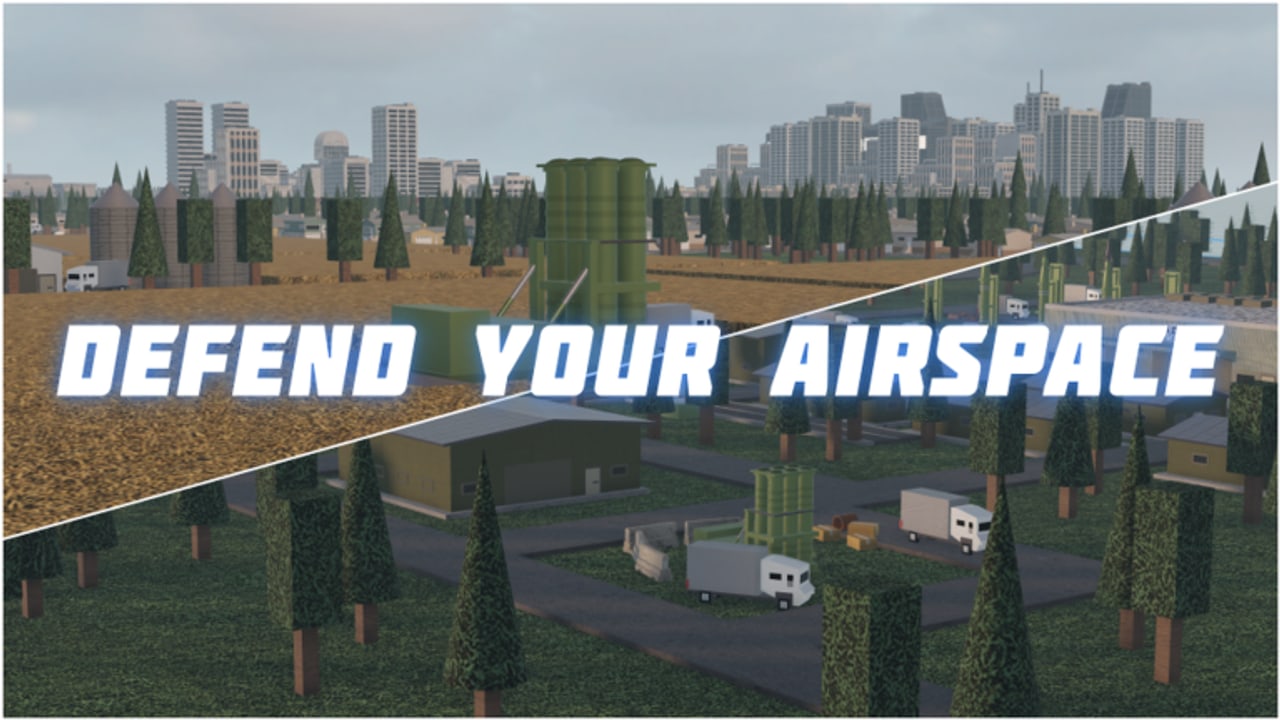
Build and Conquer is a Roblox strategy / city-builder from The Slop Company: you start on an empty plot, grow housing and industry, research military tech, dig tunnels to the mainland, sail a navy after the Naval update, and fight for strategic areas. Servers hold up to eight players, the game is free to play, and V0.2 is still beta — expect bugs and balance patches.
This Guides Hub maps every walkthrough on the wiki so you can jump to the exact problem you are solving: first-hour panic, slow income, city level gates, missile unlocks, coastal fleets, air defense, or mainland defense. The PC nav dropdown shows at most eight entries—open this hub whenever you need the full list. Use the links below as a recommended reading order, then bounce between sibling pages whenever a mechanic blocks you.
Recommended path for new players
- Getting Started — first hour on an empty plot, roads, housing, utilities, and a safe build order.
- Controls — hold-to-place buildings, E teleport, right-click troop orders.
- How to Play — the full loop from economy to research to war.
- Make Money Fast — population → shops / supermarkets, farms, and industry chains.
- City Levels — population milestones (level 2 ≈ 250 pop, level 5 ≈ 2,500 pop).
- Missile Guide — hit-quest unlocks from SRBM through Cluster.
- Mainland Warfare — tunnels, strategic areas, and holding ground.
- Air Defense — Sea RAM / C-RAM caps, interceptor layers, defend-before-push doctrine.
- Naval Ships — ports, shipyard, gunboat through Virginia sub.
- Drones & Research — research offices and Shahed-style drone lines.
- Game Passes — Eastern / French packs, city slots, billboards (optional).
If you arrived hunting free cash strings, read the honest status on the Codes Hub first — there are no working codes as of November 2026, and lists stolen from Build a Country will not help.
What each guide covers
Getting Started
Empty-plot panic is normal. The beginner guide covers placing roads without boxing yourself in, spinning up housing for population, keeping power and water online, and delaying fancy military toys until shops actually pay. It pairs with a beginner money video mid-article so you can watch placement habits while you read.
How to Play
Once the lights stay on, you need the full loop: housing feeds population; population feeds shop income; farms and factories feed refineries and steel; research offices unlock guns, soldiers, drones, tanks, HIMARS, missiles, and eventually ships; tunnels open the mainland. How to Play is the systems overview — come back whenever a patch reshuffles priorities.
Controls
Misclicks waste cash in placement games. Controls documents hold left-click drag to place, E to teleport your character across the plot, and right-click movement for troops once you break onto the mainland. Print the table mentally before a long session.
City Levels
Military toys gate on city level, which gates on population. Community and testing agree city level 2 ≈ 250 population unlocks guns and soldiers; city level 5 ≈ 2,500 population supports showpiece builds like a glass tower (~180 pop contribution in community notes). Levels 3–4 unlock politics / Military HQ features called out in Update V0.2 — the city-levels guide explains how to push housing density without collapsing utilities.
Make Money Fast
Cash is the real unlock key. Make Money Fast digs into housing mixes, shop and supermarket placement, farm → industry → refinery / steel chains, and why strategic-area buffs (community reports of roughly +20% income and +30% population) matter more than Robux impulse buys.
Missile Guide
Missiles unlock through hit quests (community-tested thresholds): SRBM 5, GLCM 12, MRBM 25, Hypersonic 100, Cluster 1,500 destroyed units/buildings. You need a research office, and large missile research often wants around city level 4. Missile Guide walks the chain and targeting tips versus air defense.
Mainland Warfare
The endgame fantasy is tunneling out and contesting the map. Mainland Warfare covers tunnel timing, holding strategic zones, and unit mixes (soldiers, guns, drones, tanks, HIMARS). Pair it with the dedicated Air Defense page for Sea RAM caps and interceptor layers.
Air Defense
Defend power plants and tunnel mouths before glamorous pushes. Community layers include C-RAM / Sea RAM (often cited six-cap), PAC-family interceptors, Naval-update Stinger / radar gear, and pack-named Pantsir or SAMP/T lines.
Naval Ships
After the Naval wave, place ports and a shipyard, then climb gunboat → Arleigh Burke → Ticonderoga → Virginia sub. Eastern and French fleets appear for pack owners. Read Naval Ships before parking a cruiser under hypersonic arcs.
Drones & Research
Research offices gate Shahed-style drones and later military nodes. Drones & Research separates research prerequisites from manufacturing queues so you stop staring at grey buttons.
Game Passes
Four store passes (two 399 R$ military packs, 249 R$ city slots, 99 R$ billboards) are optional. Game Passes compares official equipment lists without pretending Robux skips hit quests.
Cross-links outside the guide tree
- Codes — redeem status and scam warnings
- Tier List — when unit / building rankings are maintained
- Players — roster and notable creators
- Updates — V0.1 lineage and V0.2 Naval notes
- Scripts — only if you understand Roblox ToS risk; progression guides above are safer
Beta expectations
V0.2 will break builds. A research cost might spike, a tunnel might fail to open, a port remote might move, or a missile unlock counter might desync. When something feels wrong:
- Rejoin the server (max eight players — lobby quality varies).
- Check utilities before blaming the economy guide.
- Compare your population to the City Levels gates.
- Confirm you are not following advice from a differently named Roblox nation-builder.
Game passes can speed slots or named gear. They are optional; every guide here assumes a free-to-play route first.
How to use this hub during a session
- Minute 0–20: Getting Started + Controls
- Minute 20–60: Make Money Fast while watching shop throughput
- Hour 2+: City Levels push toward 250 pop, then How to Play for research priorities
- Mid game: Missile Guide + Air Defense in parallel with income
- Late session: Mainland Warfare, Naval Ships, and Drones & Research as your lobby demands
Keep this hub bookmarked. After each major patch, re-skim economy, navy, and missile pages — unlock numbers above are community-tested, not a permanent developer manifesto, and we will revise when official tooltips catch up.
Deep, practical pages beat filler. If a section is thin after an update, jump to the sibling guide that owns that system rather than trusting outdated shorts. Start with Getting Started now, then return here whenever you need the map of the whole wiki guide set.
Frequently Asked Questions
Quick answers to the most common questions.
Which Build and Conquer guide should I read first?
Start with Getting Started for the first-hour build order, then Controls and Make Money Fast before pushing city levels or missiles.
Do these guides assume I bought game passes?
No. Paths are written for free-to-play progression. See the Game Passes guide for optional Eastern/French packs, city slots, and billboards.
Are missile unlock numbers official?
They are community-tested hit-quest thresholds (SRBM 5 through Cluster 1,500). Treat them as strong guidance until developer tooltips confirm.
Where do I learn navy and air defense?
Read Naval Ships for ports and hulls, and Air Defense for Sea RAM caps and interceptor layers, after City Levels unlocks basic military.
Is the game still in beta?
Yes. Build and Conquer V0.2 is beta with a max of eight players per server — expect bugs and balance changes between sessions.